
Turn a Galaxy phone into a desktop
Samsung DeX Portable Monitor with Touch
Plug a Galaxy S, Note, Z Fold or Tab into this 15.6-inch touchscreen and DeX gives you a desktop with windows, a taskbar and full touch control. No PC needed.
EUR 150 in Cyprus, cable included, 2-year warranty.
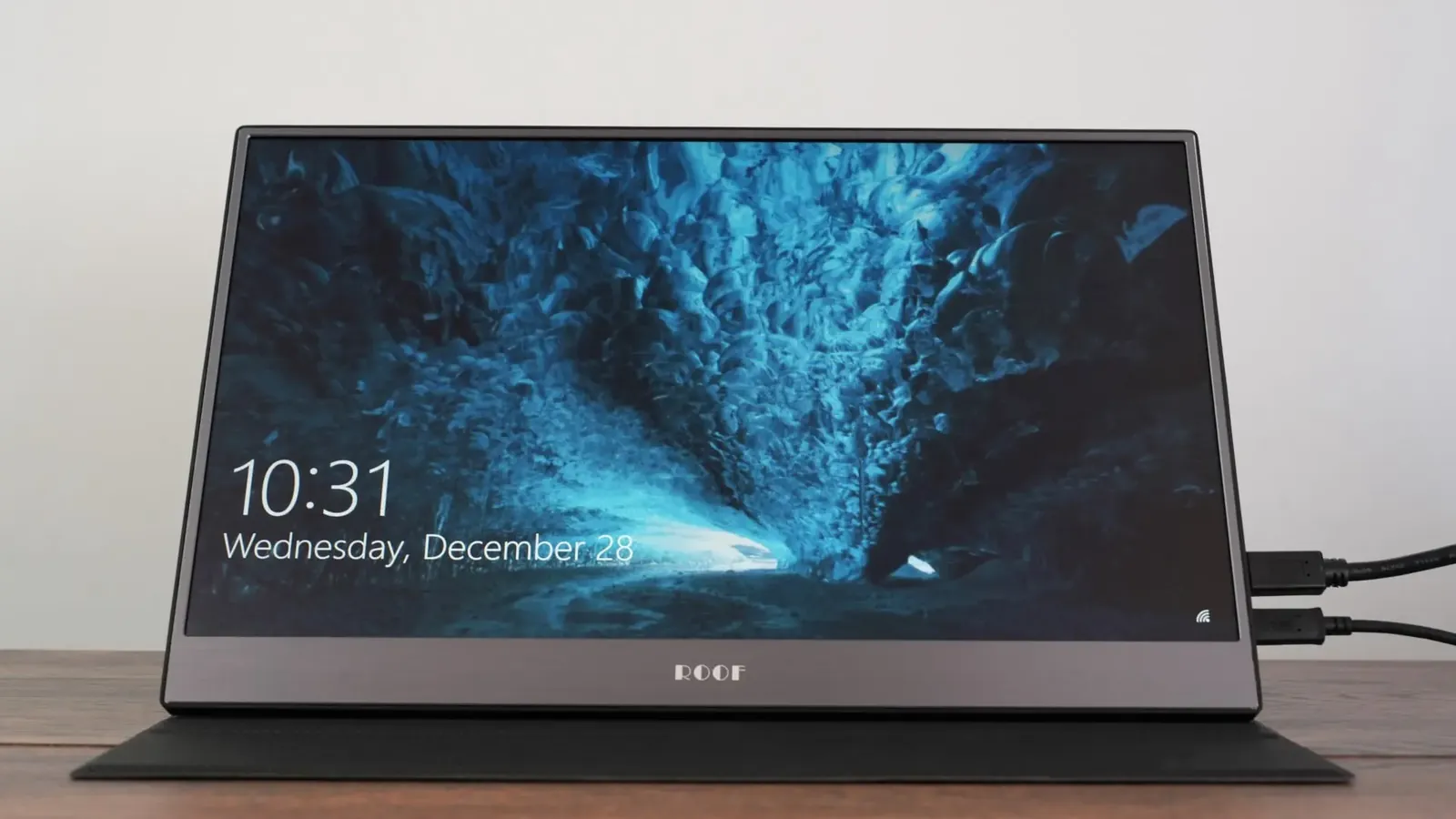
How Samsung DeX works on this screen
 Samsung DeX is the desktop mode built into Galaxy phones and tablets. Connect the phone to the monitor with the included USB-C to USB-C cable and DeX launches: resizable windows, a taskbar, keyboard shortcuts, and every Android app you already have.
Because this monitor is a touch screen, DeX becomes a touch desktop. Tap to open apps, drag windows, pinch to zoom in maps and photos, and scroll web pages with a finger. Add a Bluetooth keyboard and mouse and you have a working computer that lives in your pocket.
Setup in three steps
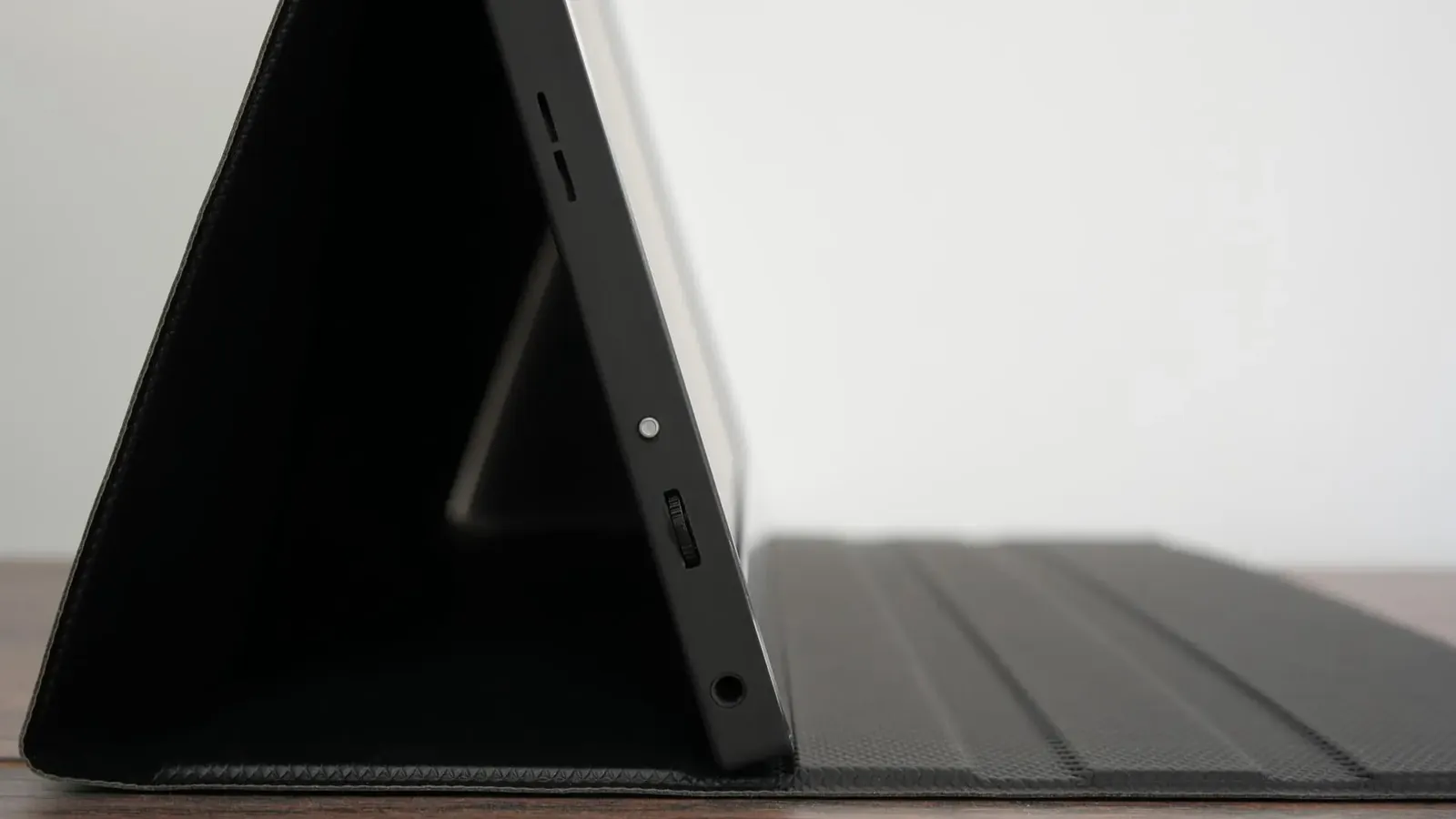
- Connect the USB-C to USB-C cable from the phone to the monitor's USB-C port marked for video.
- On the phone, tap the DeX notification (or it starts automatically if you enabled "Auto start when HDMI is connected").
- Optional: connect a charger to the monitor's second USB-C port for long sessions.
Who uses DeX in Cyprus
- Delivery and field staff who file reports from the van
- Students who use a Galaxy phone as their only computer
- Property agents showing listings and signing forms at viewings
- Anyone who wants Office, email and a browser on a big screen without carrying a laptop
Samsung DeX questions
Which Samsung phones support DeX on this monitor?
Galaxy S8 and newer S models, Note 8 and newer, Z Fold series and Tab S4 and newer tablets. Connect the phone with the USB-C to USB-C cable and DeX starts automatically, or you can choose it from the notification.
Does touch work in DeX mode?
Yes. The monitor sends touch back over the same USB-C cable, so you can use the DeX desktop with your fingers while the phone screen becomes a touchpad or stays usable as a phone.
Do I need a separate charger for the phone?
The phone powers the monitor, which drains the phone battery faster. For long sessions, plug a charger into the monitor's second USB-C port; it then passes power to the phone as well on most models.
Does it work with non-Samsung Android phones?
Any Android phone with USB-C video output (DisplayPort Alt Mode) can mirror or extend to the monitor. Motorola Ready For, Huawei Easy Projection and some Xiaomi and OnePlus flagships work. Phones without video output cannot.
Get the DeX monitor in Cyprus
Bring your Galaxy to our shop in Nicosia and try DeX on it before you buy, or order by phone for EUR 5 delivery anywhere in Cyprus.
See also: full specifications, Android setup notes.